
A client asks you to change the brand color. It sounds like a two-minute job, until you remember that color is typed into buttons, headings, and borders on every page of the website.
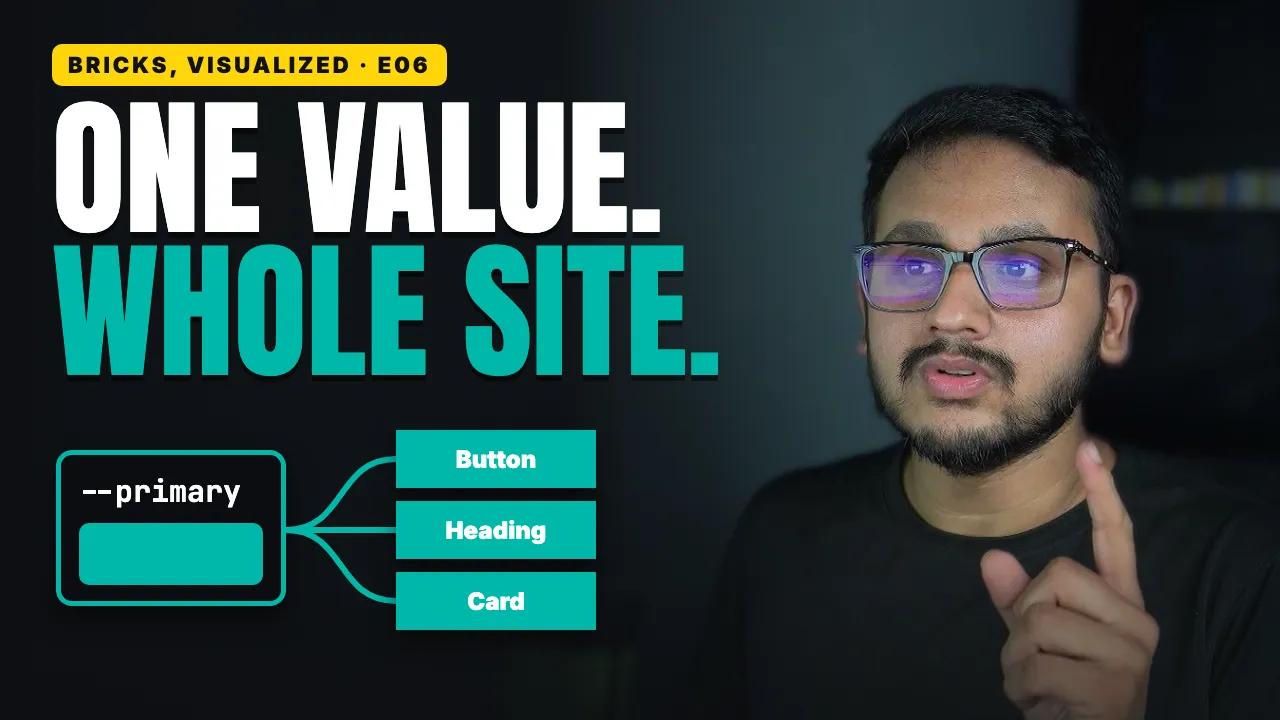
There's a better way, where you change one value, and the whole site follows.
What you'll learn
What a variable really is, and what a button stores once it's using one
What a lot of people miss about the colors in their Bricks palette
Why two buttons that look the same can behave differently when the color changes, and the one field that tells you which is which
Why a page you never saved again can still pick up the new color
Whether a variable changes who wins on the ladder from Episode 5
How to use variables for more than colors, like a corner radius
How dark shades, dark mode, and the Toggle - Mode element build on one color name
Why renaming a color is safe, and what really happens when you delete one that's still in use