
Learn Bricks Builder Faster with Short Animated Episodes
Learn Bricks Builder with short animated episodes on layout, styles, dynamic data, components, WooCommerce, speed, and AI. For beginners and agency owners.
One payment · lifetime access
Or get this course and every other one with All-Access, $197 until Dec 1.

This course is being recorded
- Out now14 lessons · 1h 1m, ready to watch
- Coming nextNew lessons are added as they are recorded
What you'll learn
- How Bricks turns what you build into HTML and CSS, what each layout element is for, and when to use Flexbox or Grid
- Where a style can live, why a style sometimes won't apply, and how styles flow between screen sizes
- How variables, classes and Theme Styles let you change a value in one place
- How dynamic data, templates and query loops fill one design with real content
- How interactions, popups, forms and components work, and when to use a component, a template or a class
- How real pages and WooCommerce stores come together, and what affects their speed and accessibility
- How Bricks MCP connects AI to your site, and what it can and can't touch
- How hooks and custom elements let you extend Bricks
Curriculum
14 lessons · 1h 1m- VideoWhat Actually Happens When You Click Save in Bricks3:13
- VideoSection, Container, Block, Div: The Layout Hierarchy in Bricks4:57
- VideoFlexbox vs Grid in Bricks Builder: When to Use Each3:54
- VideoGlobal Classes vs Element Styles in Bricks BuilderPREVIEW4:25
- VideoBricks Style Not Applying? How the Cascade Decides4:18
- VideoVariables & Color Palettes in Bricks: One Value, Whole SitePREVIEW4:40
- VideoTheme Styles in Bricks: Set It Once, Every Page Follows4:12
- VideoBreakpoints in Bricks Builder: Why Changing Tablet Changes Your Phones4:38
- VideoBricks Builder Dynamic Data: Same Tag, 3 Different Answers4:56
- VideoDynamic Data Filters in Bricks Builder: Trim, Format & Fallbacks4:42
- VideoBricks Builder Template Conditions: Where Each Layout Shows4:22
- VideoBricks Builder Query Loop: Show Your Latest Posts Automatically4:19
- VideoBricks Builder Query Types: Loop Over Categories Instead of PostsNew4:48
- VideoBricks Builder Nested Query Loops: Show Each Category's Newest PostsNew4:22
About this course
You can follow a Bricks tutorial, get the same result, and still not know why it worked.
Then a new site does something strange.
A class you just set does nothing.
You change a heading on tablet, and your phones change too.
A second Theme Style makes your design disappear.
So you try things until it looks right.
It helps to see what Bricks is actually doing, and that's what this course is for.
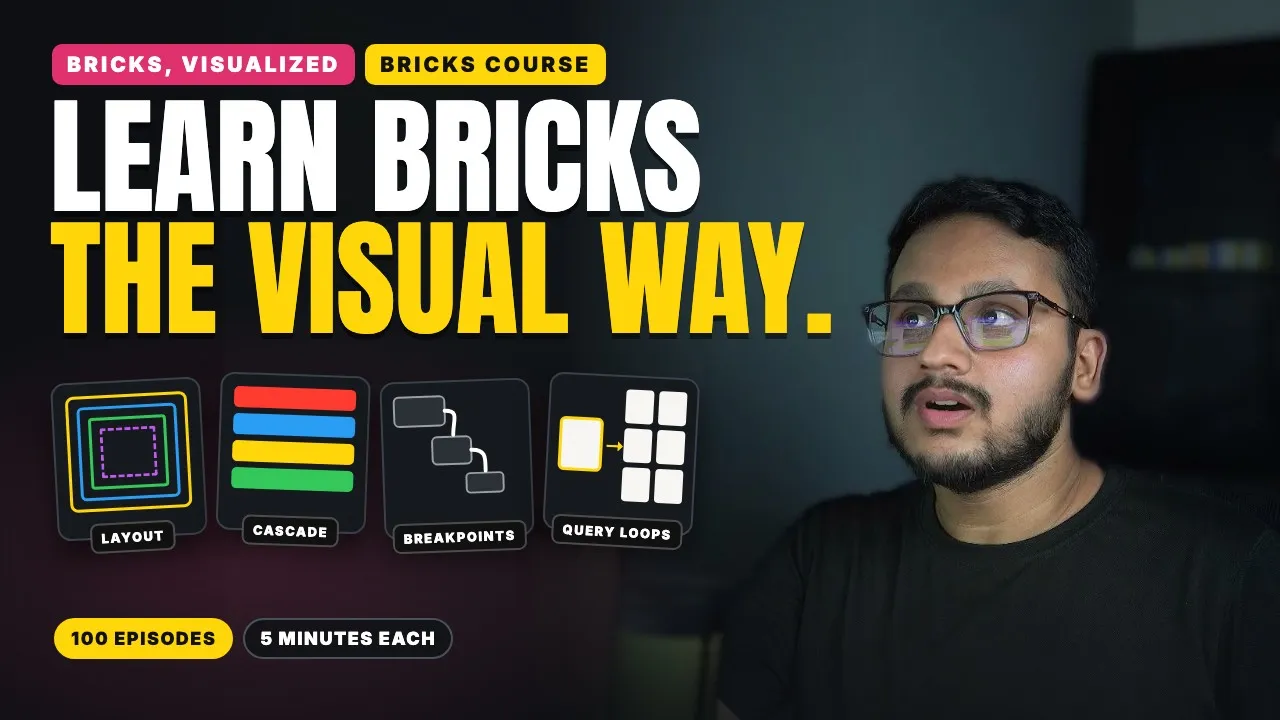
Each episode takes one idea and explains it with one picture, like a ladder for the cascade, or four screens on steps for breakpoints. That way, an idea that’s hard to follow in the docs becomes something you can understand in a few minutes. Most of the episodes so far also show it working in the real Bricks builder, along with something that catches people out.
Most episodes run about 5 minutes, so you can watch one between client jobs.
The course is planned as 100 episodes, and new ones are added as they're finished.
Next comes dynamic data, templates and query loops.
After that, the plan moves on to interactions, components, Bricks MCP and real builds, then WooCommerce, speed, accessibility and client work.
I check each episode against the current version of Bricks before it goes out, so the later topics may change as Bricks changes.
Is this course for you?
Who it's for
- People new to Bricks who want to understand how it works
- Bricks users who can build pages but can't always explain why something broke
- Freelancers and agency owners who want to understand why Bricks behaves the way it does
What you'll need
- A WordPress site with Bricks Builder installed, so you can try each idea yourself (a local or staging site is perfect)
- No CSS or coding experience needed for the early seasons, because every term is explained the first time it appears
Sounds like you?
Start with the lessons that are out today. One payment, and every new lesson is added as it's recorded.
Black Friday price until Dec 1. Every course now and next.