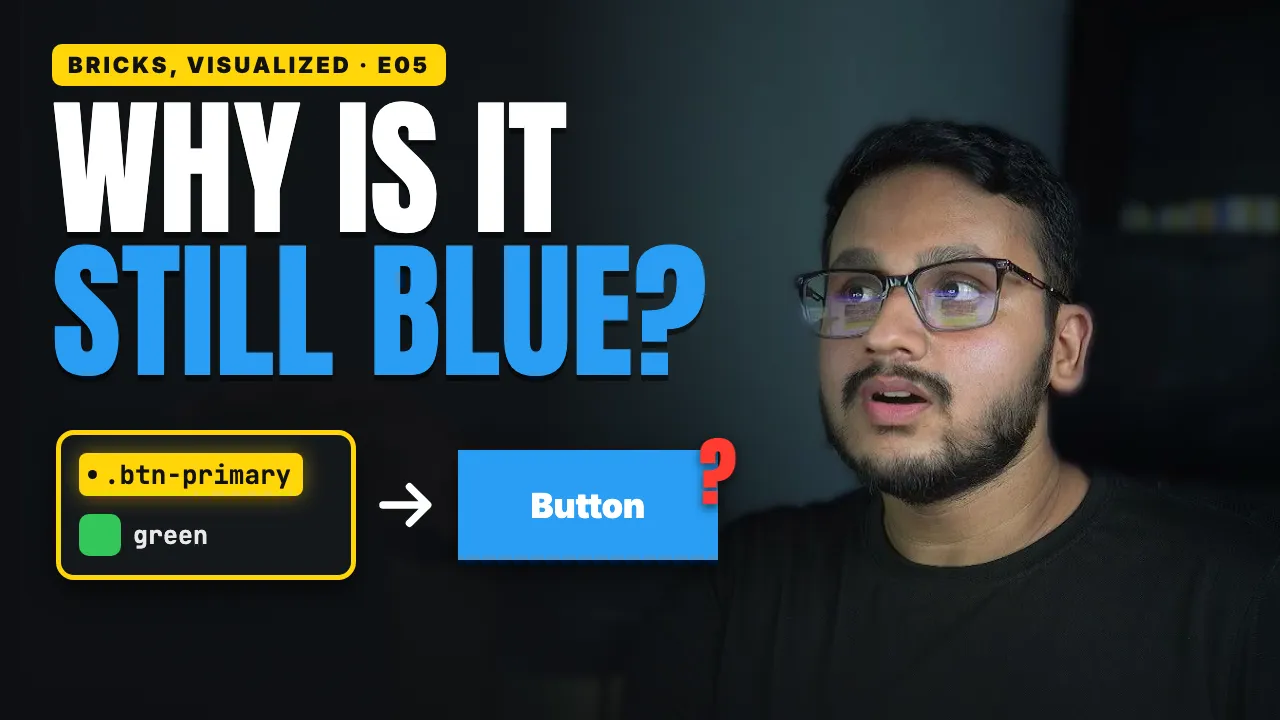

You change the button's background in your class, and you save. But the button stays blue, no matter what you try.
Your class isn't broken. Something stronger is winning, and once you know the order Bricks follows, you'll find it in seconds.
What you'll learn
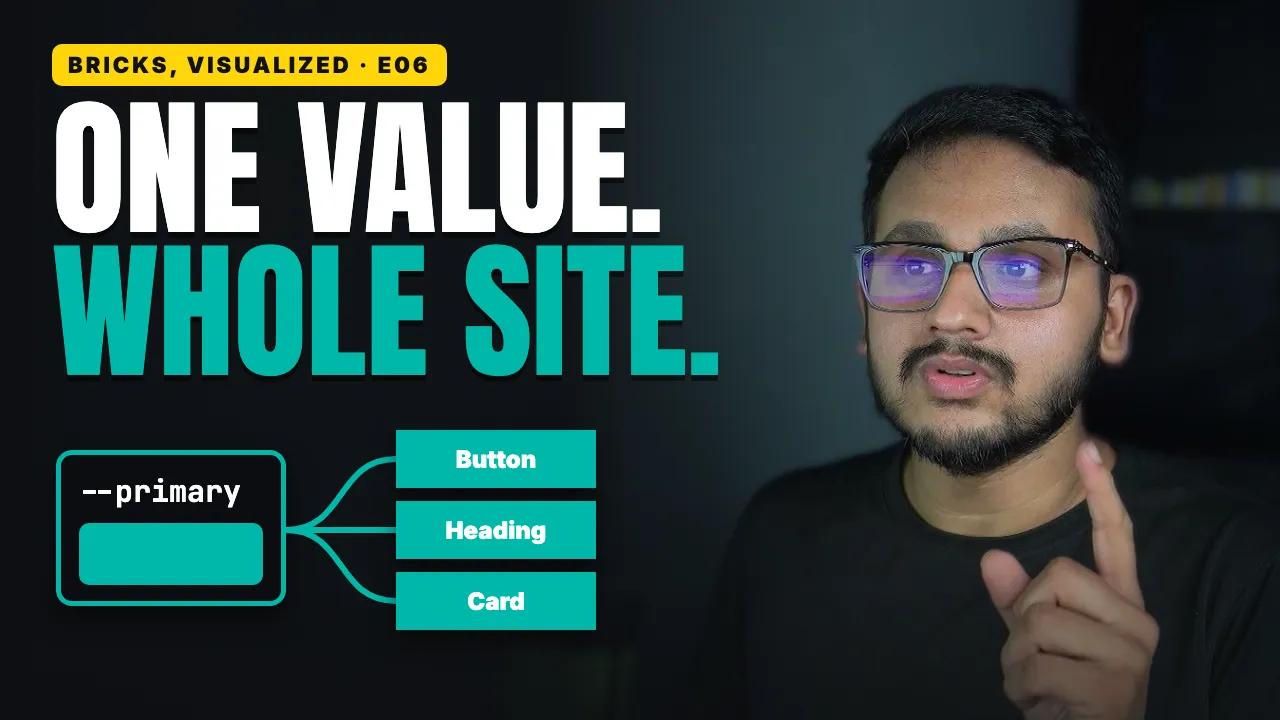
The four steps Bricks styles sit on, from Theme Styles up to custom CSS, and why the higher step wins
The two rules CSS uses to pick a winner, and how they explain the whole ladder
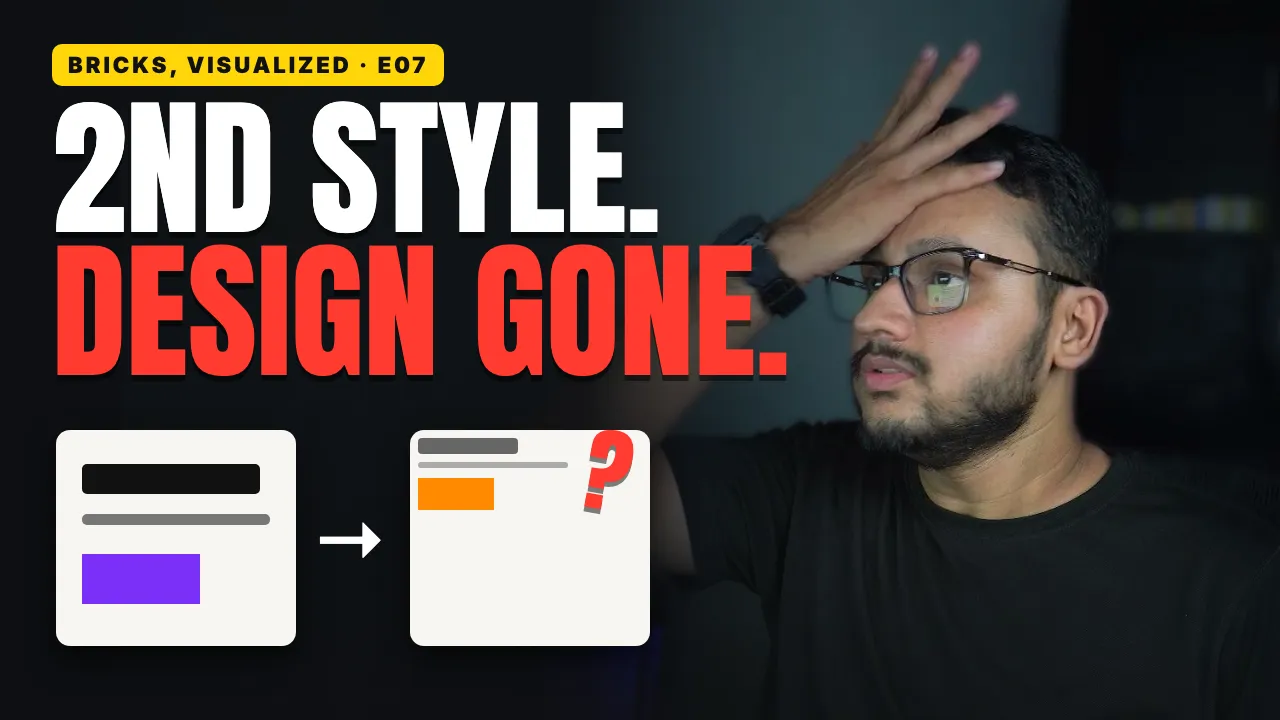
Why your class beats a Theme Style but loses to a style set on the element itself
What happens when two classes on one element set the same property, and the new Bricks 2.4 setting that lets you control it
Where to look when a style won't apply, in the builder and in your browser's inspector
Why fixing it with
!importantonly makes the next fix harder