
Every new page in Bricks starts the same way. The text is small, the sections have no spacing, and the buttons are Brick's own yellow. So you fix it, one element at a time, and on the next page you fix it all over again.
There's a better way, where you make those decisions once, and every page starts from them.
What you'll learn
What a Theme Style really is, and why a heading you just added already knows its size and color
Where to set your text, links, section padding and container width, and which links the Links group doesn't reach
Why a new button can ignore the color you just set, and the one setting that explains it
How a page you haven't opened since can still pick up a change
Where Theme Styles sit on the ladder from Episode 5
Which style wins when two of them match the same page
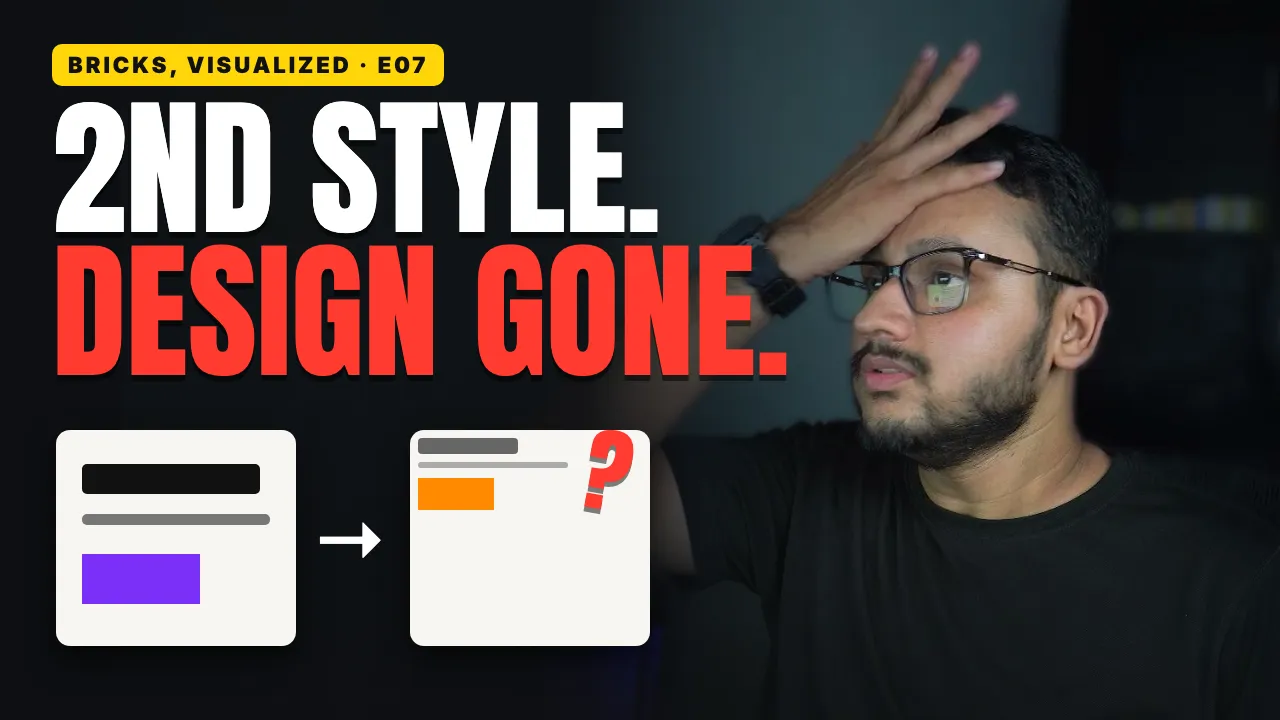
What really happens when you add a second Theme Style, and the setting that changes it
Why a Theme Style can look right in the builder and do nothing on your live site