Bricks Builder tutorials that get to the point
Focused videos on real Bricks Builder work, from quick answers and everyday fixes to advanced builds you can use on client sites.

Global Classes vs Element Styles in Bricks Builder
A Bricks style can live in Theme Styles, a global class, or one element. Learn where each belongs, who wins when they clash, and how to keep classes tidy.
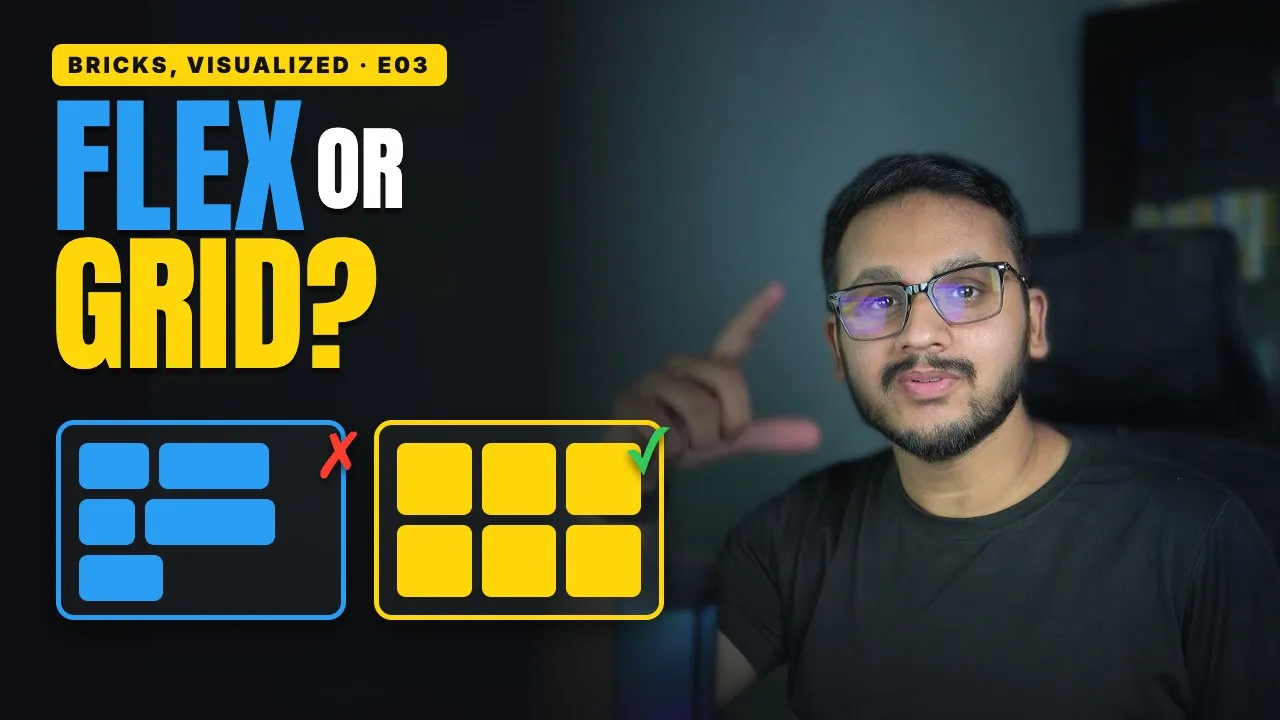
Flexbox vs Grid in Bricks Builder: When to Use Each
Flexbox lines things up in one direction. Grid lines them up in rows and columns. Learn when to use each in Bricks and why your cards won’t line up.
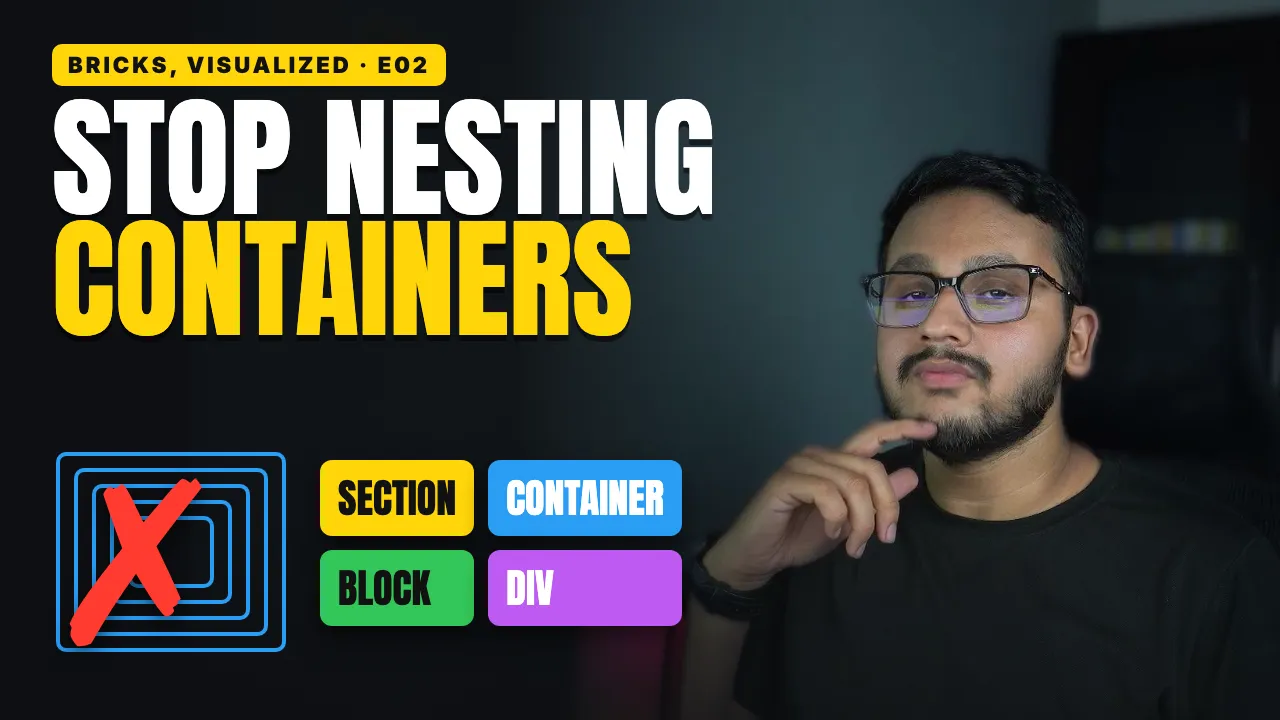
Section, Container, Block, Div: The Layout Hierarchy in Bricks
Bricks gives you four layout elements, each with one job. See when to use a Section, Container, Block or Div, and where your spacing belongs.
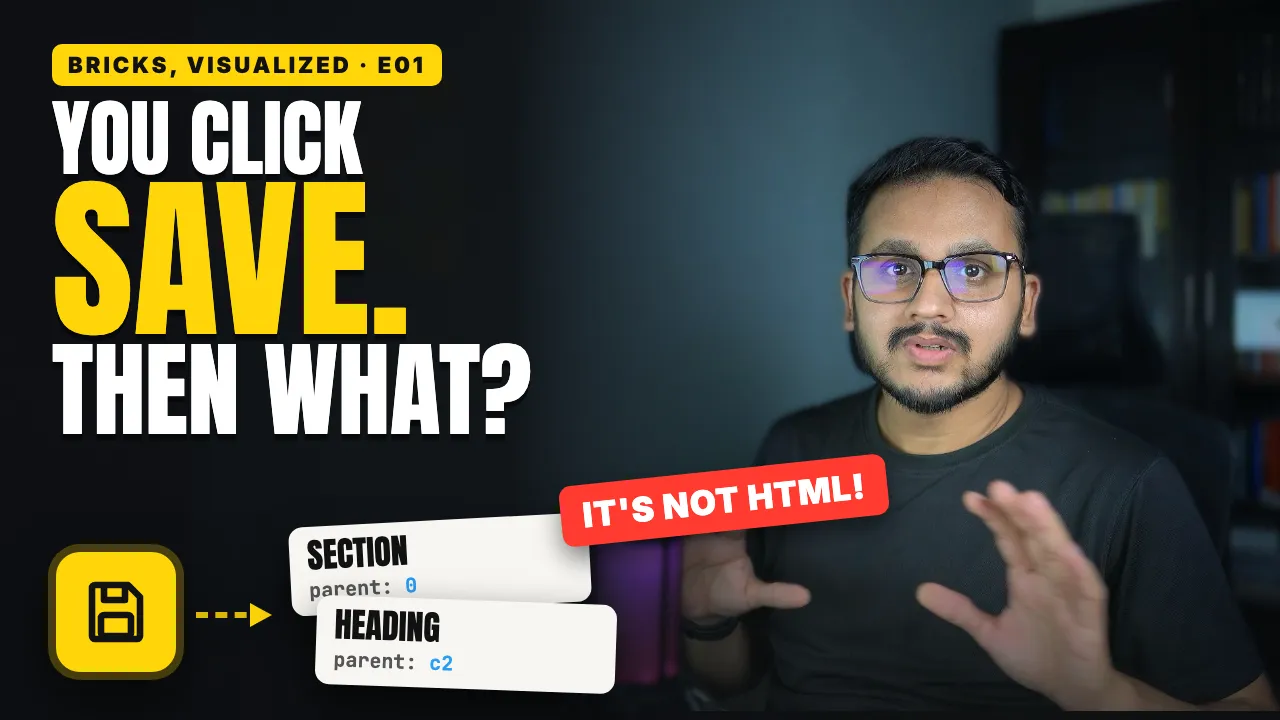
What Actually Happens When You Click Save in Bricks
Your Bricks page isn’t saved as HTML. It’s a list of elements in your database. See how Bricks stores, renders, and protects your work in 3 minutes.
Bricks Builder Form Submissions: Save to Database & Export CSV
Store every Bricks form submission in your WordPress database. Enable the setting, export to CSV, block duplicates, and set entry limits. No plugin needed.
Bricks Builder Email Verification for User Registration (No Plugin)
Set up Bricks Builder email verification for user registration without a plugin. Enable User Activation, send verification emails, create custom pages, and auto-login users.
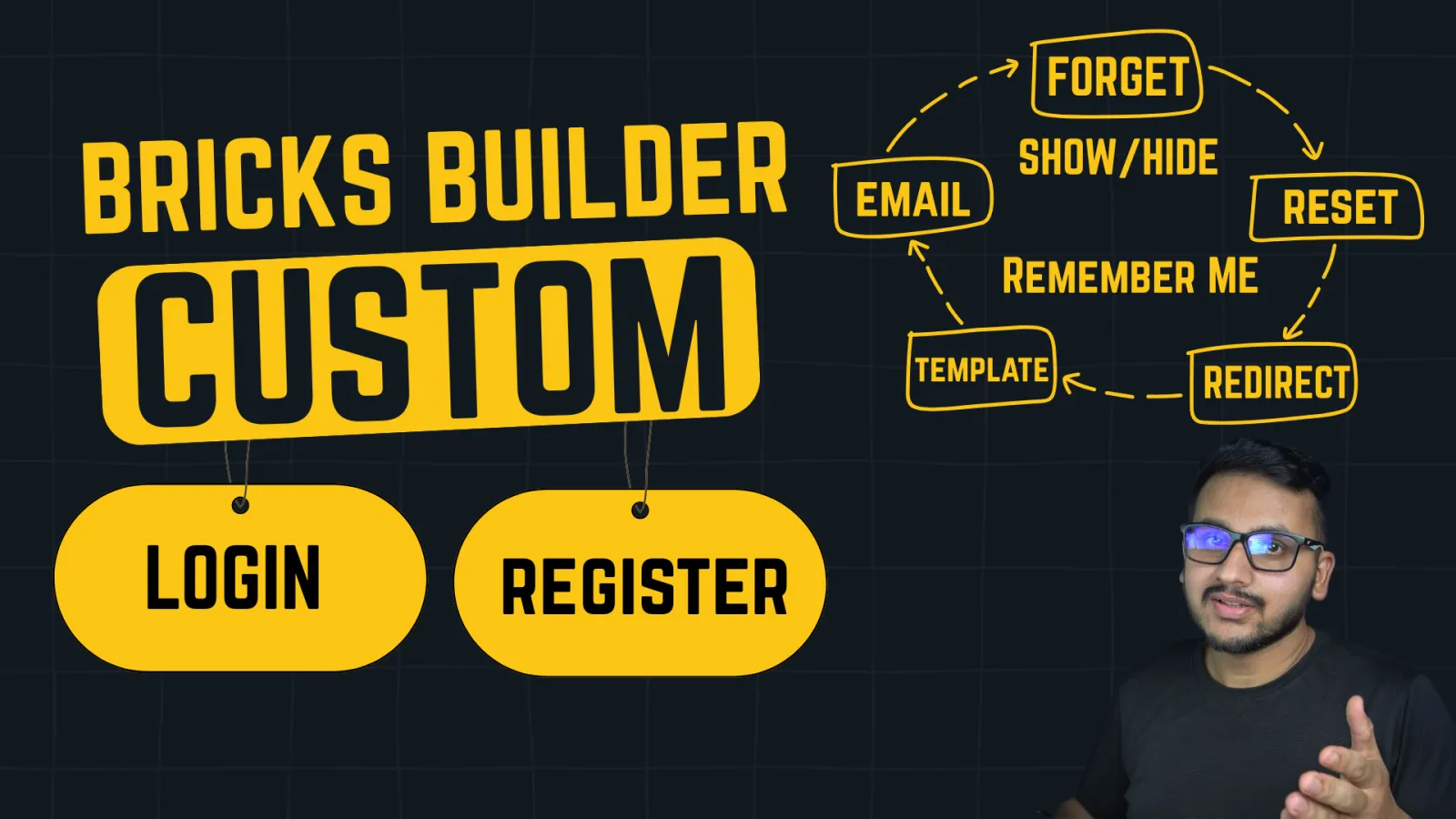
Bricks Builder Custom Login & Registration Pages (No Plugin Needed)
Build custom Login, Registration, Forgot Password, and Reset Password pages in Bricks Builder using only the built-in Form element. No plugins needed.
Bricks Builder Webhooks Tutorial: Send Form Data Anywhere (2026)
Learn how to use Bricks Builder Webhooks to send form data to ANY external services like Zapier, n8n, Make, Google Sheets, Discord, Slack, CRMs, email marketing tools, or your own custom apps.
BEM vs Components in Bricks Builder: A Better Workflow (2026)
Handwriting BEM classes in Bricks Builder means constant upkeep. Here's a better workflow using Components, Variants, and Slots, shown with a real hero example.