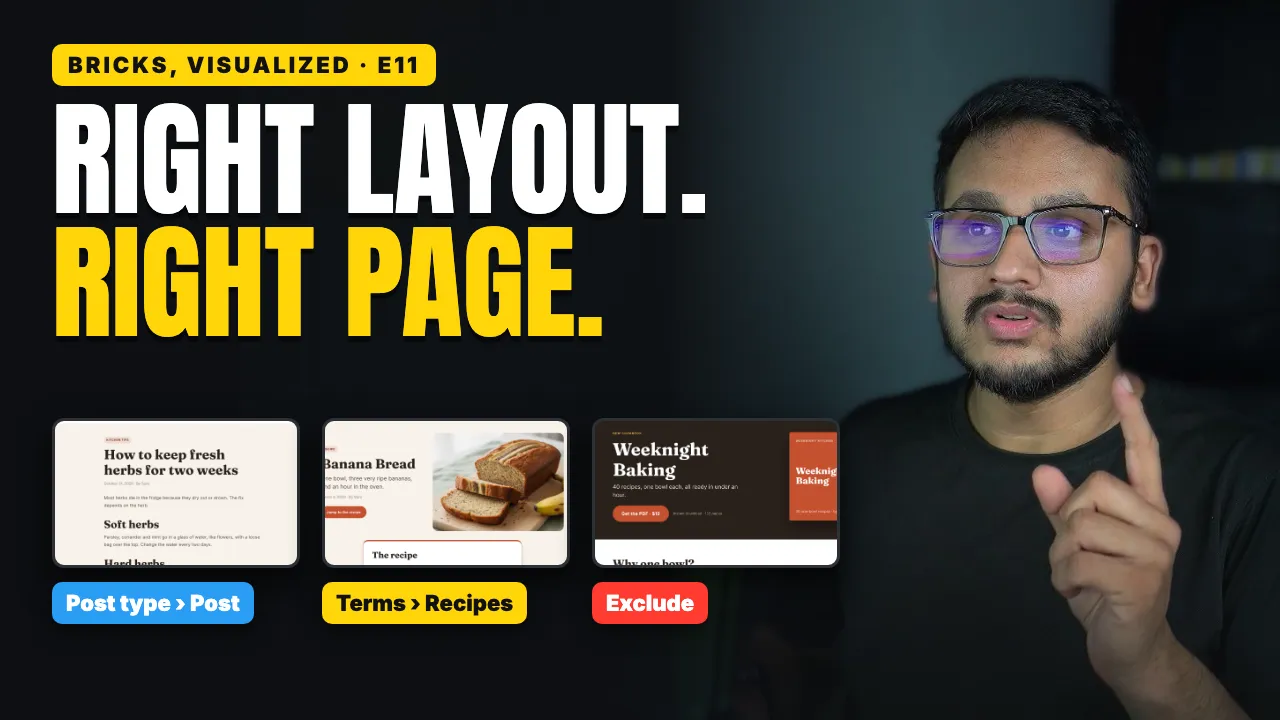

Bricks Builder Template Conditions4:22

Bricks Builder Template Conditions: Where Each Layout Shows

Shan AsifNov 10, 2026 · 1 min read

Included in the All-Access Pass, or get the course on its own.

My food blog has three kinds of pages. A tip should look like a simple article, a recipe needs a big photo and a recipe card, and the cookbook sales page shouldn't show the menu at all, because every click away is a lost sale.

In Bricks Builder, all three come down to one setting, called a condition.

What you'll learn

  • How to make a Single template and use it on all your blog posts

  • How to give one category, like recipes, its own layout

  • Why the recipe layout wins when two templates match the same post

  • How to remove the header from one page, and keep it everywhere else

  • The mistake that turns your About page into a blog post, and the fix

  • Where to check every template's condition on your own site
Bricks Builder Query Loop Show Your Latest Posts Automatically
Next tutorial · 5 min videoBricks Builder Query Loop: Show Your Latest Posts Automatically

Related tutorials

Dynamic Data Filters
Dynamic Data Filters in Bricks Builder: Trim, Format & Fallbacks5 min video
Bricks Builder Query Types
Bricks Builder Query Types: Loop Over Categories Instead of Posts5 min video
Client Finder finds sites that need a redesign, each with the reason to write. Try Client Finder
Share this tutorial