
Bricks Builder Query Loop Show Your Latest Posts Automatically4:19

Bricks Builder Query Loop: Show Your Latest Posts Automatically

Shan AsifNov 15, 2026 · 1 min read

Sign in to watch. We email you a 6-digit code, no password needed.

Sign in to watch

My food blog's home page shows my three newest recipes, and I built each card by hand.

So every Sunday, after publishing a recipe, I had to copy a card, change the photo, the title and the link, and delete the oldest one.

The week I forgot, the home page showed old recipes. A query loop fixes that for good.

What you'll learn

  • How to turn one card into a query loop with a single switch

  • How to show only one category, and only the three newest posts

  • Why every card shows the same title at first, and how dynamic data fixes it

  • How to fill each card's photo, title, link and description

  • What happens when you publish a new post, with nobody touching the page

  • The mistake that stacks your cards in one column, and the rule that avoids it
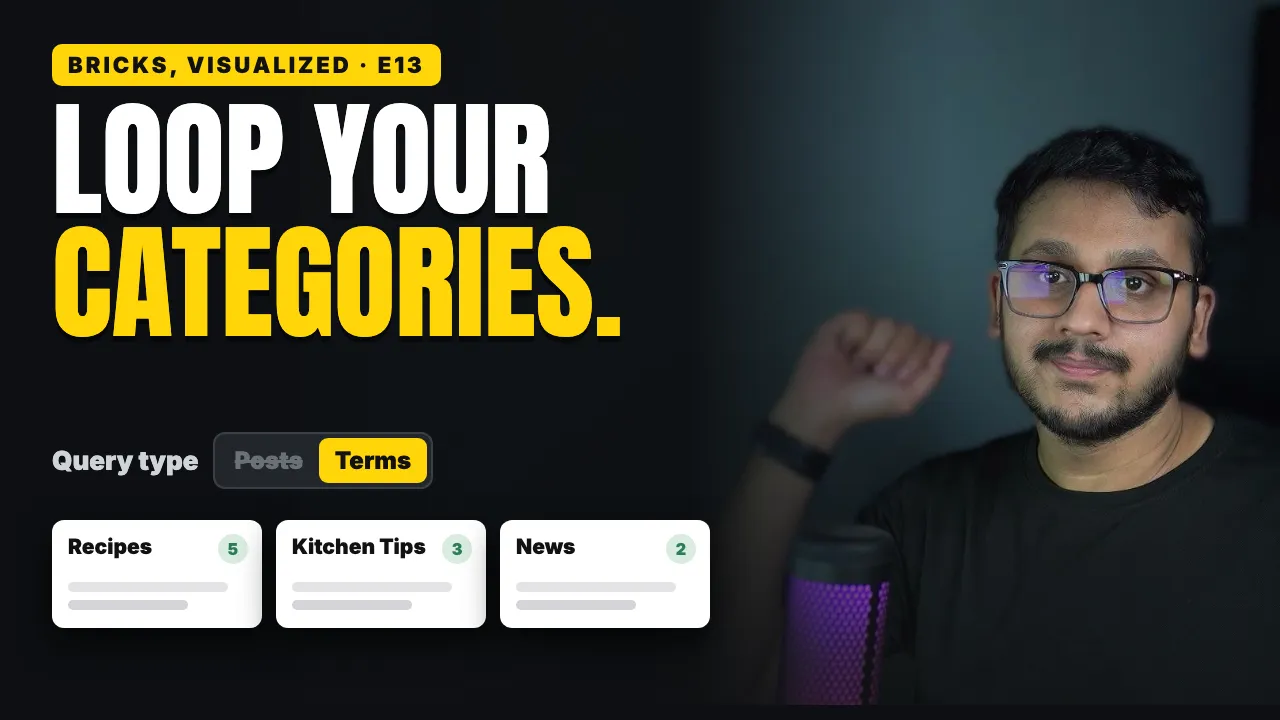
Bricks Builder Query Types
Next tutorial · 5 min videoBricks Builder Query Types: Loop Over Categories Instead of Posts

Related tutorials

Bricks Builder Template Conditions
Bricks Builder Template Conditions: Where Each Layout Shows5 min video
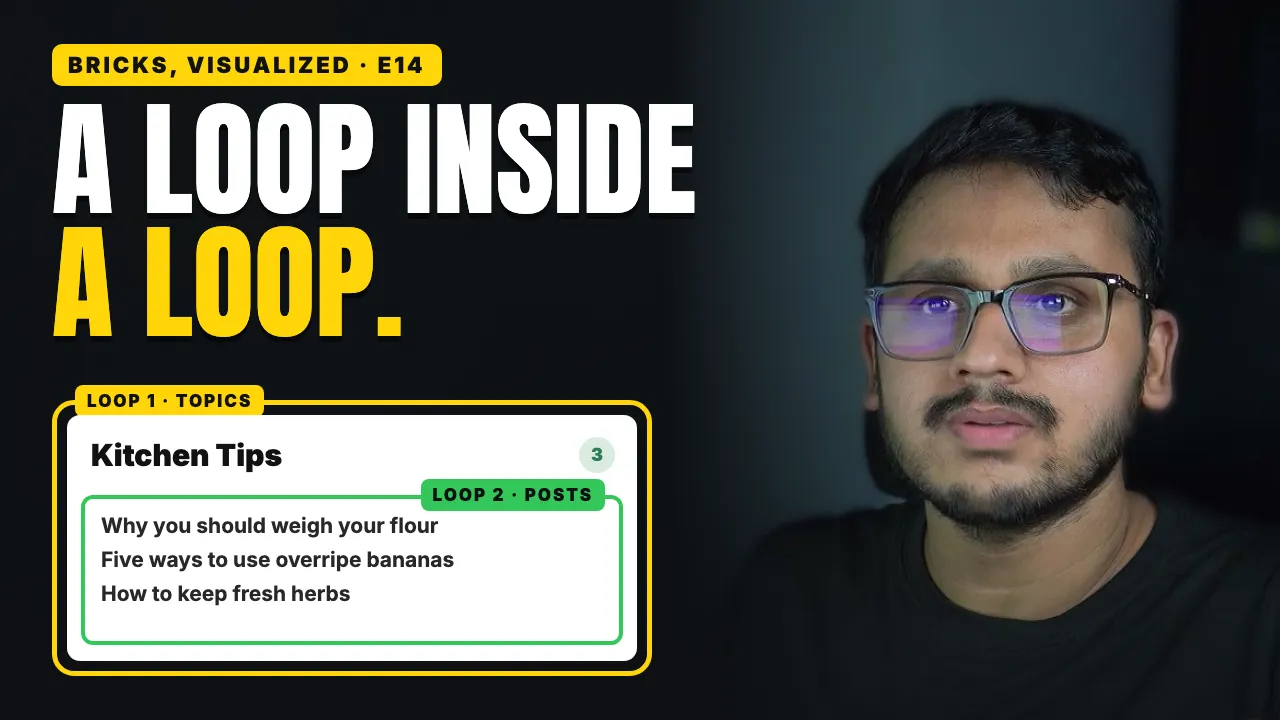
Bricks Builder Nested Query Loops
Bricks Builder Nested Query Loops: Show Each Category's Newest Posts5 min video
Client Finder finds sites that need a redesign, each with the reason to write. Try Client Finder
Share this tutorial