
Your designer drew a neat recipe card. You build it with dynamic data, and the date is too long, the summary breaks the layout, and a visitor who isn't logged in sees "Hi," with nothing after it.
You can fix all three without touching a single post or writing any code.
What you'll learn
Why changing your content or your site settings is the wrong fix
The one picture behind every filter: raw value → filter → display value
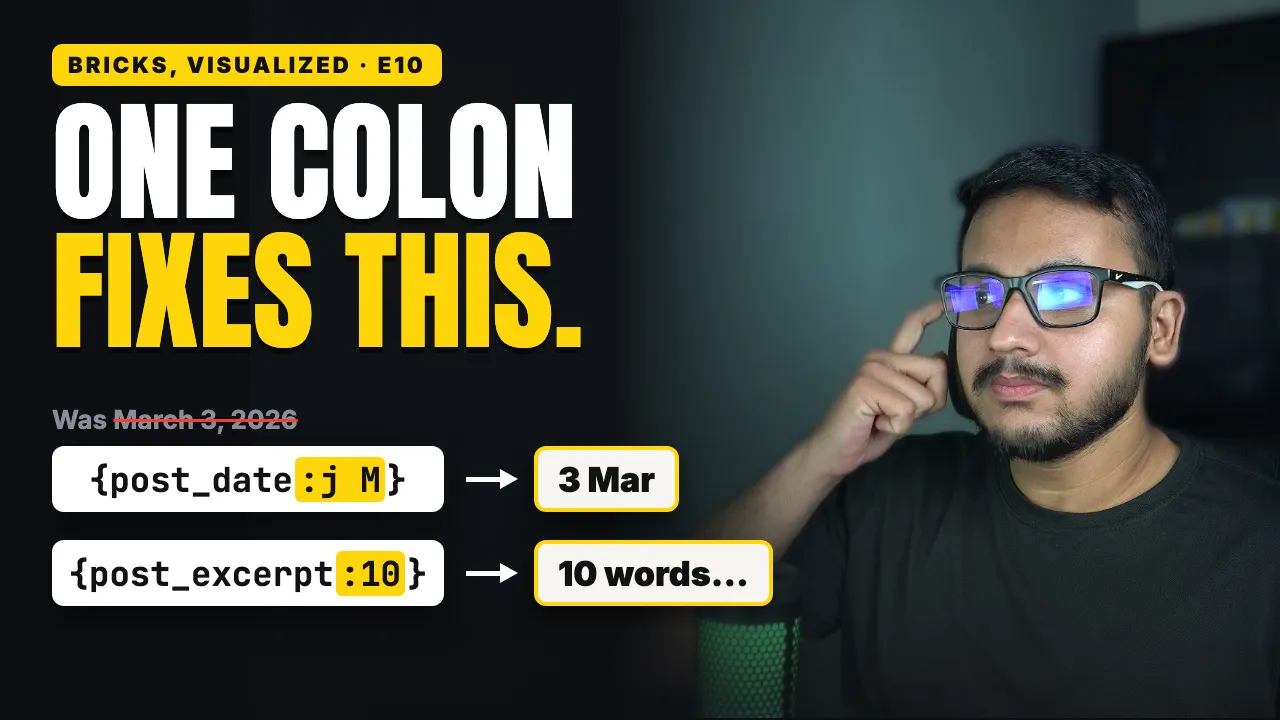
How to limit the excerpt to a number of words, and where you type it
How to turn "March 3, 2026" into "3 Mar", and what the letters mean
The word the human time diff filter leaves out
How to stack filters, like a short summary that links to the post
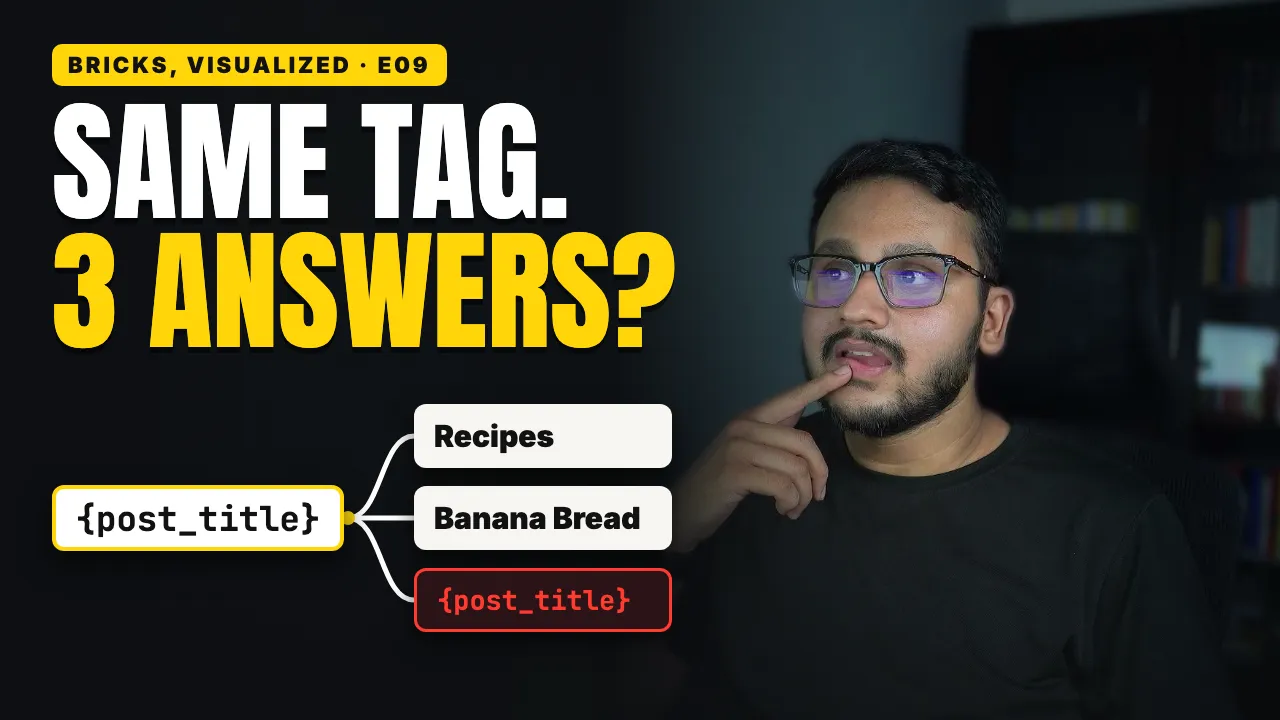
How a fallback fills an empty tag, and the two typos that print curly brackets