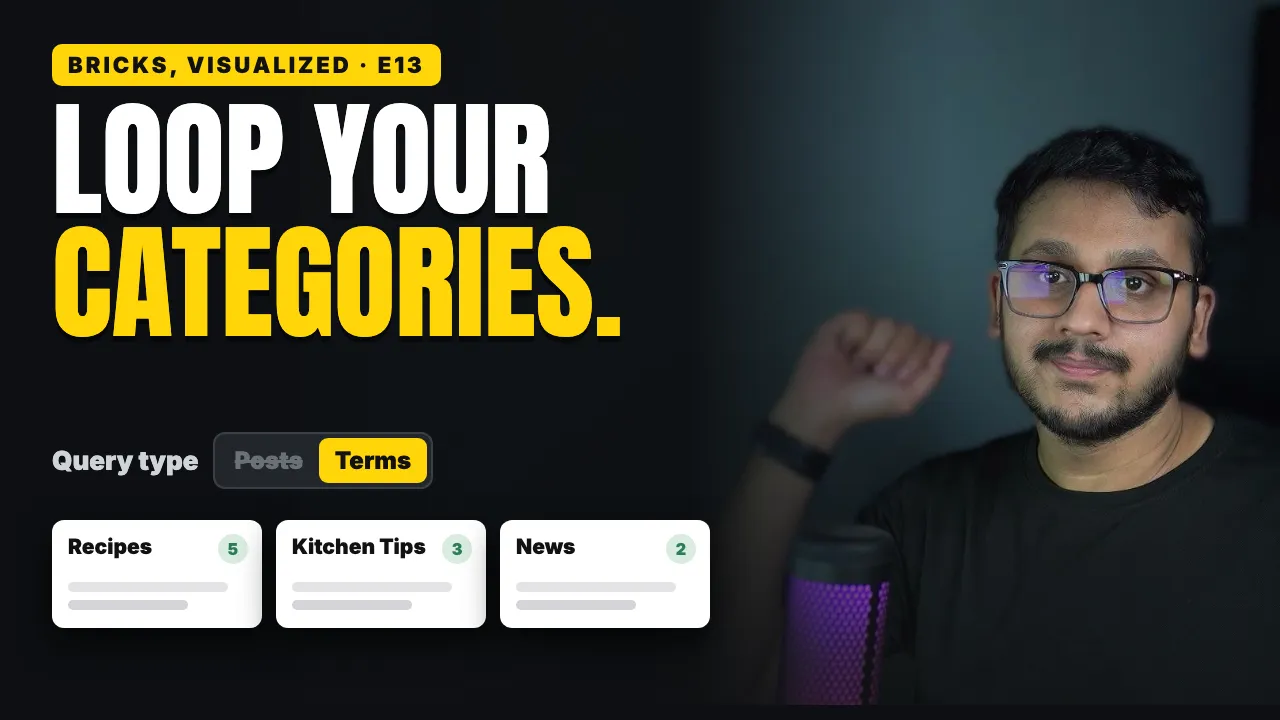

Under my latest recipes, my food blog's home page has a row of topics: Recipes, Kitchen Tips and News.
Each card shows how many posts the topic has, and I built all three by hand.
So it was already wrong: the Recipes card said four, but I had five.
The same query loop from episode 12 fixes it, once you ask it a different question.
What you'll learn
What the query Type is, and why Terms gives you one card per category
How to switch a query loop from posts to your categories
Which dynamic data tags a category card needs: Term name, Term count, Term description and Term archive URL
Where a category's description comes from
How to put the category with the most posts first
What happens when you add a new category, with nobody touching the page
The mistake that makes every card say "Home"