
The problems the latest Bricks 2.5 features solve
Finding one element on a long page takes forever
Scrolling and opening folders in the Structure panel gets slow once a page grows.
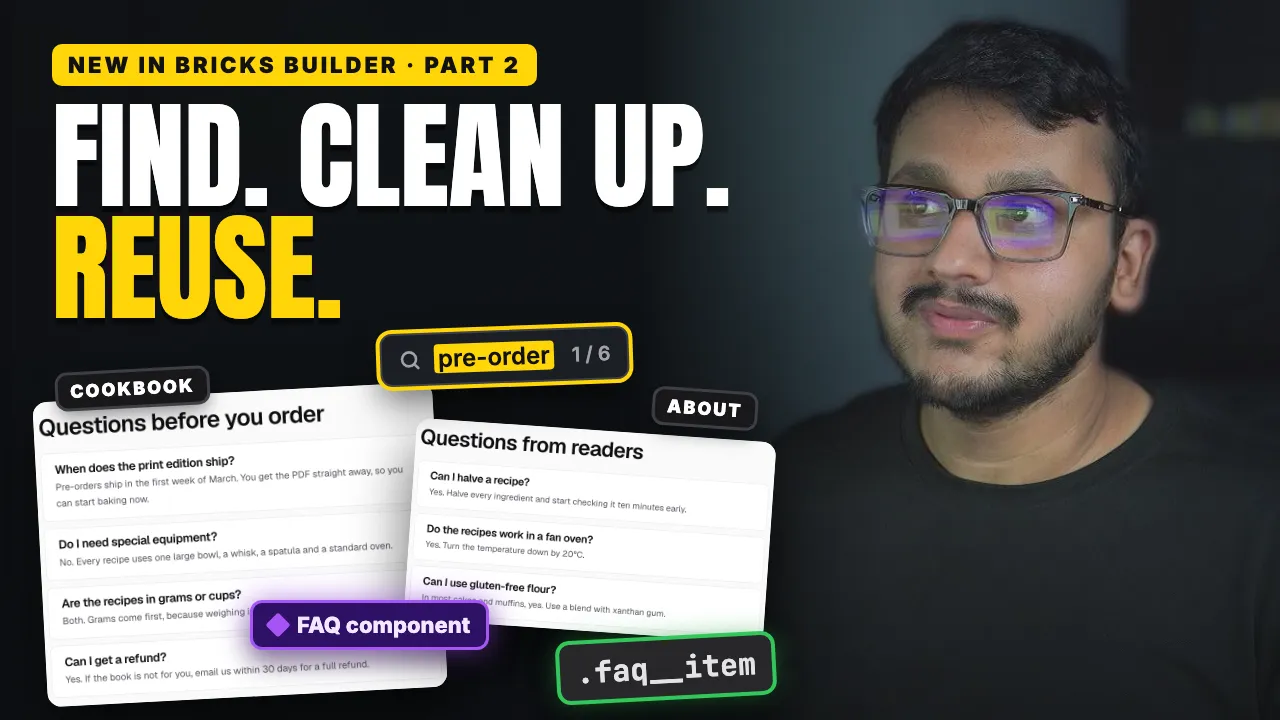
Structure search finds elements by name, by text, and with a sign in front, by class, ID or tag. Filters show only the elements with a query loop, conditions, interactions, custom CSS and more. The video shows both on a long landing page.
Every element has its own styles, and nothing has a class
A section built quickly carries its styles on each element, so a copy duplicates them and every change has to be made twice.
Generate classes proposes a class for every element, named from your labels in the BEM style, and can move the styles into the new classes in one step.
You press undo and don't know what it undid
Undoing blind, again and again, until something looks right is guesswork.
Undo now tells you what it undid, and the history list lets you jump back several steps at once.
Every page needs the same section with different content
An FAQ on two pages means two copies, or one component that shows the same questions everywhere.
A Repeater property fixes that: the component holds the design, and each page adds its own rows. The video turns the FAQ into a component and gives the About page its own questions.
Setting up component properties is slow
Making each property and connecting it to an element by hand takes a while.
Create properties from content lists everything that could become a property and creates and connects the ones you pick in one step. A property can also fill part of a sentence, so a button can read "Pre-order for {prop.price}" and only the price changes.
Your posts live in the block editor, not in Bricks
Most blog posts are written in the WordPress block editor.
Components can now be used there as blocks, and they're no longer experimental. Each block keeps the component's design, and its properties are edited in the sidebar.
One thing to switch on: components in the block editor are off by default. Turn them on under Bricks › Settings › General.