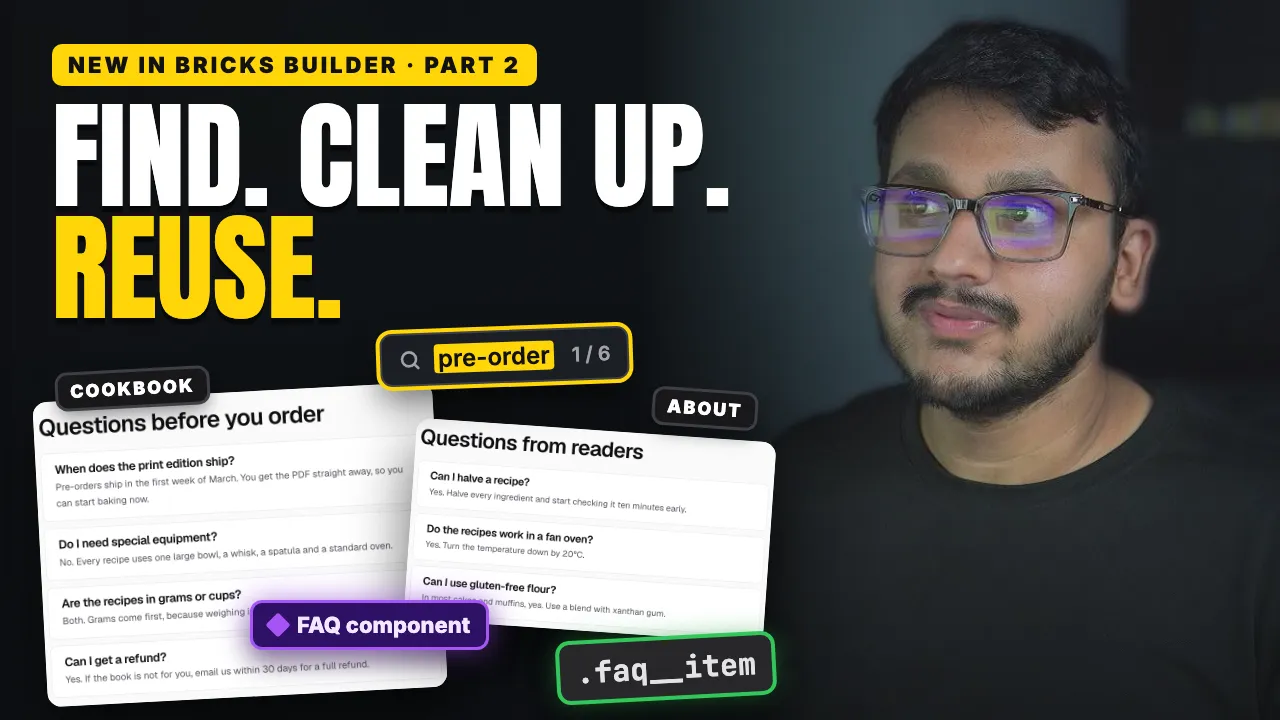

"Is there a class near me, on a weekend I'm free?" The newest Bricks features answer that without a plugin, a map key or custom code.
The problems the latest Bricks features solve
The same filter has to be set up twice
A sidebar filter on a computer and a slide-in filter menu on a phone are two separate filters, so every change has to be made twice. A global filter fixes that: you create it from the first filter and pick it on the second, and every setting with a globe icon is shared. Its new Default value decides what the list shows when the page opens.
Visitors can't see where things are
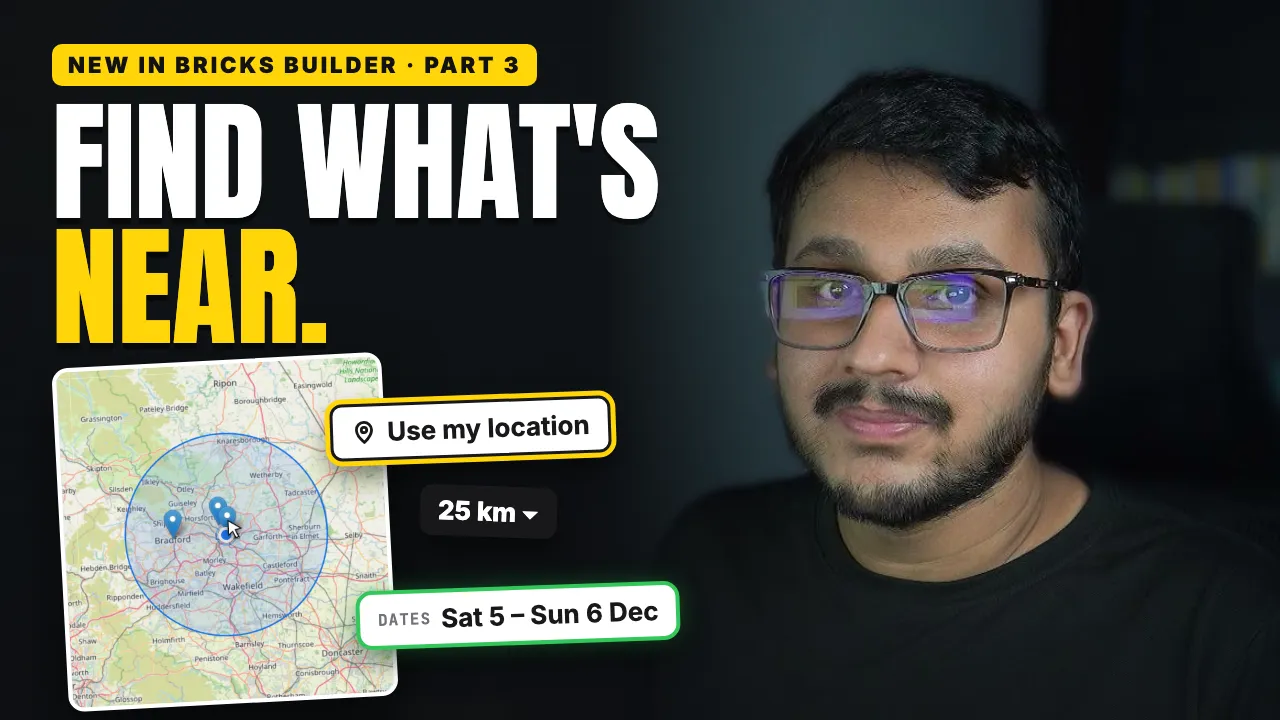
A list of cities doesn't show what's close. The free Leaflet map can now sync with a query loop, so it always shows the same results as the list, with no API key. A small Map Connector in each card tells the map where that item is.
"Is there one near me?"
The new Filter: Geolocation reads latitude and longitude from your custom fields. Search by device location adds a "Use my location" button, a default radius with a dropdown limits the results, and they come nearest first. The video shows a visitor in Leeds finding the three closest classes. Searching by a typed address needs a Google Maps API key; the device location needs nothing.
Tip: {filter_geo_distance} in the loop shows how far each result is.
An event has two dates, and the filter checks only one
A weekend class starts on Saturday and ends on Sunday. Filter: Datepicker now has a Date range with an End date meta key, so a class shows only if it starts and ends between the dates the visitor picks.
A form can't ask for a time, or explain a field
A Datepicker field with Enable time and Disable calendar turned on becomes a time picker, with the earliest and latest times you allow. Fields also have a new Description: a short hint under the field that screen readers read together with it.
Readers copy the ingredients by hand
The new Copy to clipboard interaction copies an element's text in one click. The video turns a recipe's "Copy ingredients" button into exactly that, with a second interaction that changes the button to "Copied" when it worked.
Small animations need a plugin
Bricks now has a Lottie element. Upload an animation file, set its size, and choose when it plays, for example on hover.