
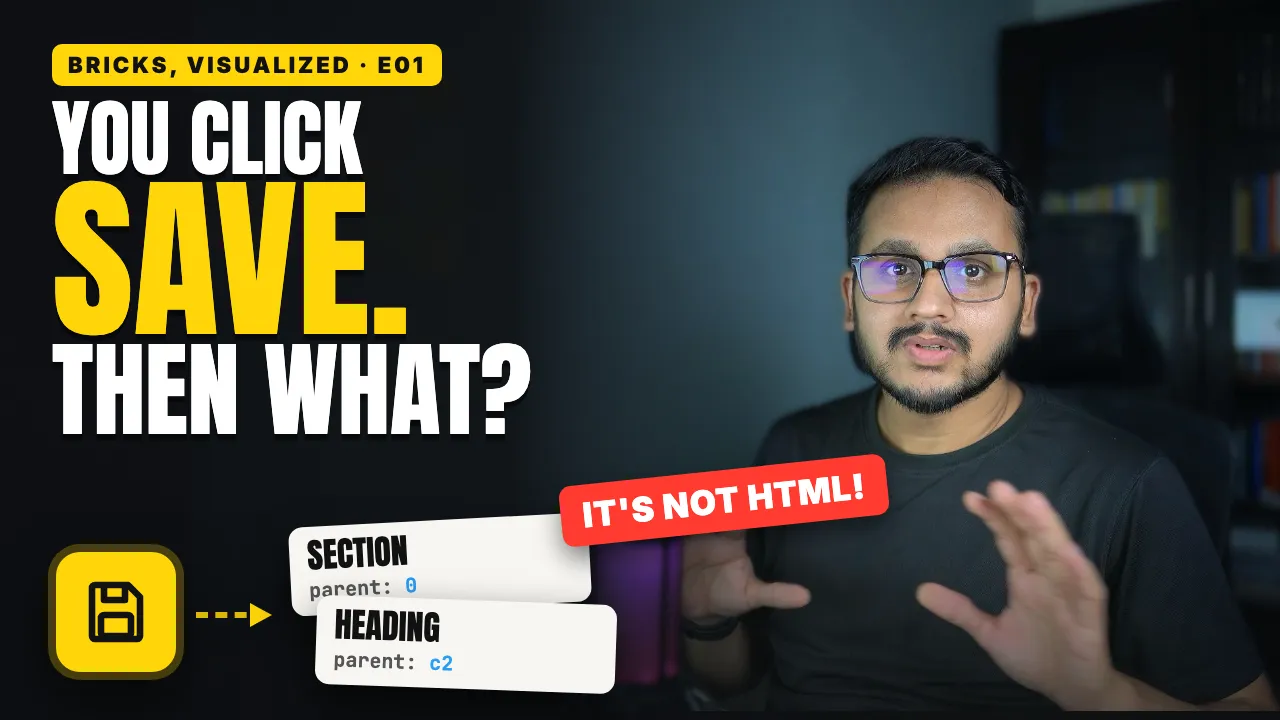
You click Save in Bricks a hundred times a day. But what actually gets saved?
Not a web page, and not an HTML file.
Bricks saves something smaller and much more useful: a list of elements.
Understanding that list changes how you think about everything else in Bricks.
What you’ll learn
1. Your page is a list, not a picture.
Every section, container, heading, and button is a small record in a list. That list is a description of your page, not a snapshot of it.
2. Every element has the same five fields.
id: so Bricks can tell elements apartname: what kind of element it is, such as a buttonparent: where it sitschildren: anything inside itsettings: everything you change in the panel, like text, links, colors, and spacing
3. The list is flat.
Elements aren’t nested like folders. Each one simply points to its parent, and Bricks rebuilds the tree from those links. That’s why dragging an element only changes one thing: its parent.
4. It’s stored in your WordPress database.
The list is saved as post meta on the page. Header, content, and footer each get their own list, and WordPress keeps revisions so you can go back to an earlier version.
5. Every visit, Bricks renders it fresh.
Bricks reads the list and turns each element’s settings into HTML and CSS. By default, the CSS goes inside the page. You can also have Bricks write separate CSS files, so browsers and CDNs can cache them.
6. Autosave isn’t the whole story.
Autosave backs up the elements on your canvas every 60 seconds by default. Global data like classes, variables, and components isn’t part of that backup, so click Save before you close the tab.
Why it matters
Because your page is data, not a static file, you can:
restore older versions
copy templates and components between sites
fill in dynamic values at render time
let an AI agent change one setting without touching the rest