
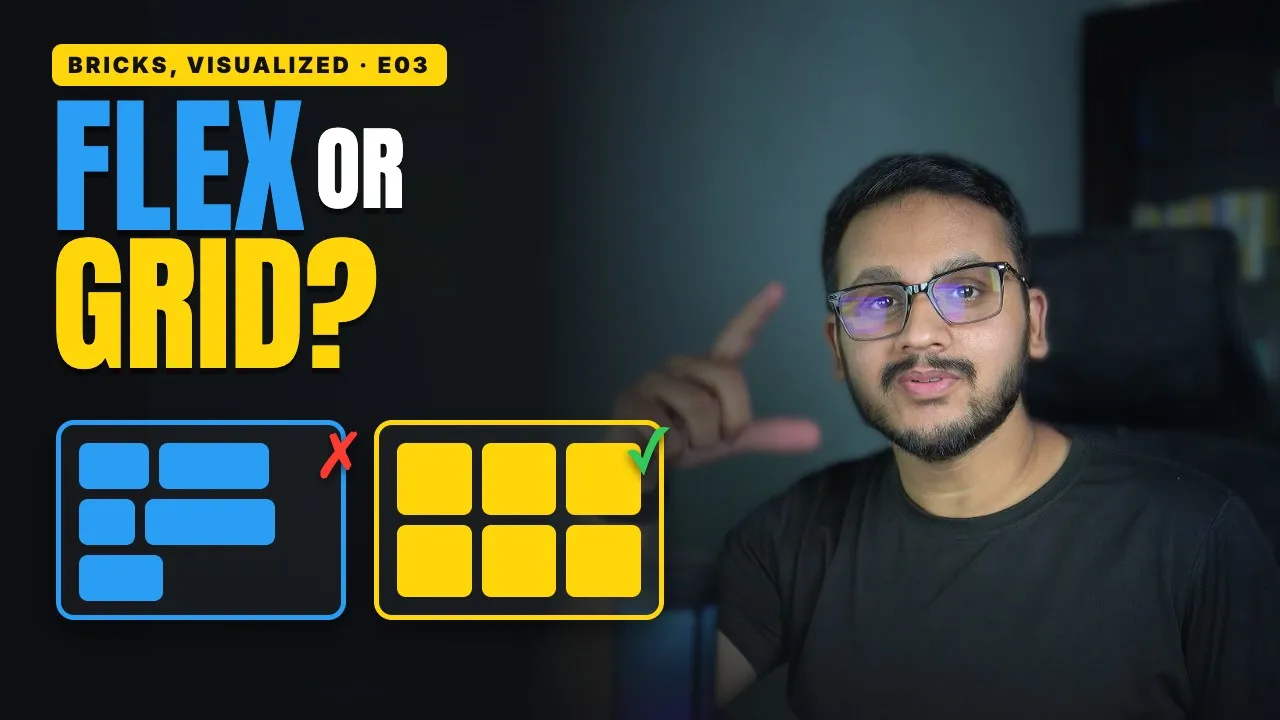
Your cards won't line up, and you keep fighting flexbox to fix it. Usually the problem isn't your settings. It's the wrong layout tool for the job.
Flexbox: one line
Flexbox works in one direction at a time: a row or a column.
In Bricks, you pick it with the Direction setting. Then Align main axis spreads items along that line, and Align cross axis lines them up across it.
That's perfect for things that flow: a row of buttons, a nav bar, an icon next to some text.
Grid: rows and columns at once
Grid works the other way around. You set up the structure first: how many columns, how wide they are, and the gap between them. Then your items fill the cells, row by row. Every row lines up, and every column lines up.
In the Bricks builder:
Select any layout element and set Display to
grid.In Grid template columns, type
repeat(3, 1fr).1fris one share of the available space, so you get three equal columns.Want a wider featured card? Select it and set its Grid column to
span 2.Don't want to type values? Click the Visual Grid Builder icon next to
grid. Set columns, rows, and gaps visually, and drag items into place.